

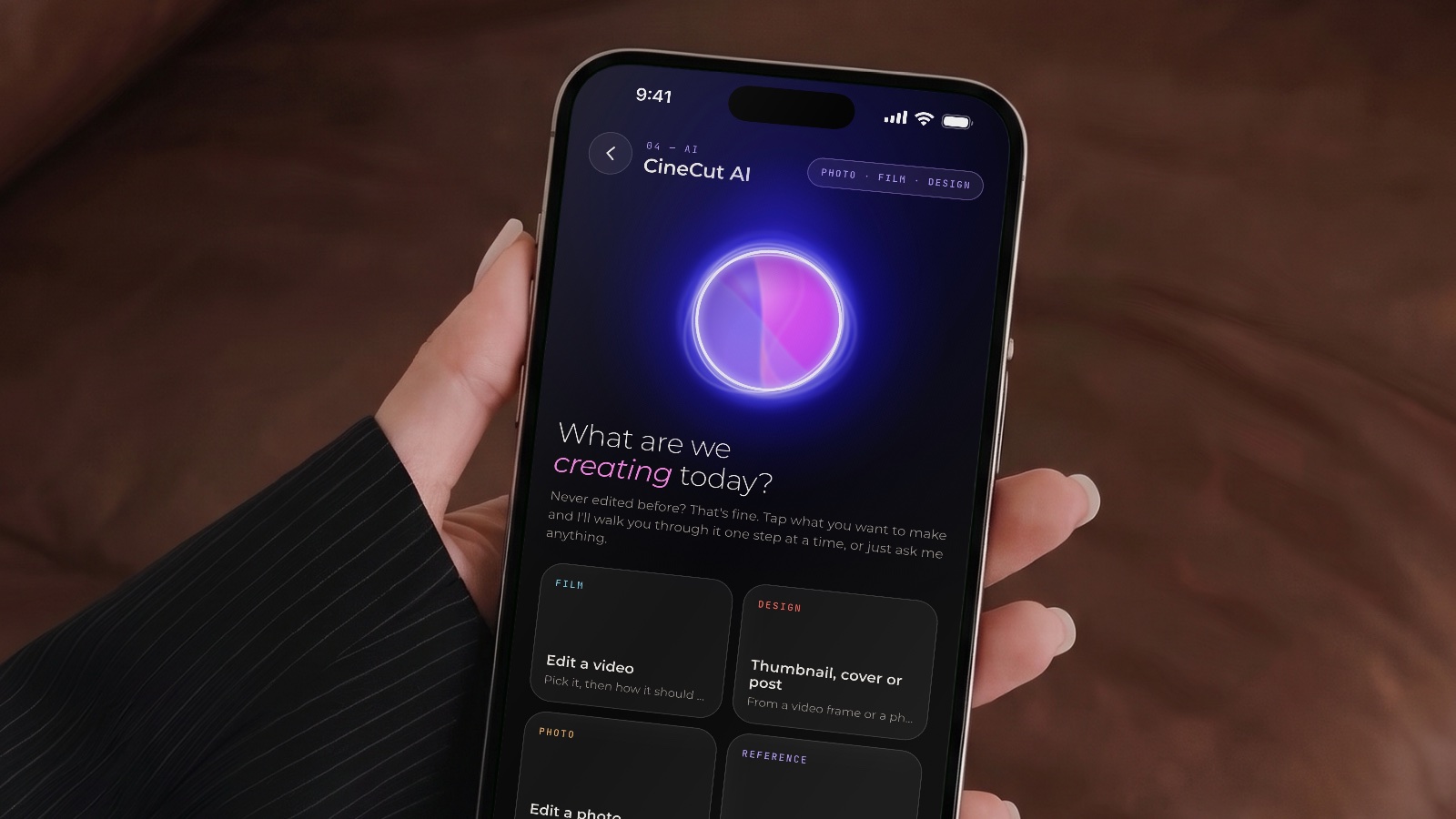
CineCut AI, coming in 1.9. Edit by talking. Never edited before? It walks you through.
 CineCut
One app for everything you post. Real colour grades by Umair Wadood, a pro editor, and now templates and podcasts that cut themselves.
Free · Pro available · iPhone, iPad and Mac
CineCut AI, coming in 1.9. Edit by talking. Never edited before? It walks you through.
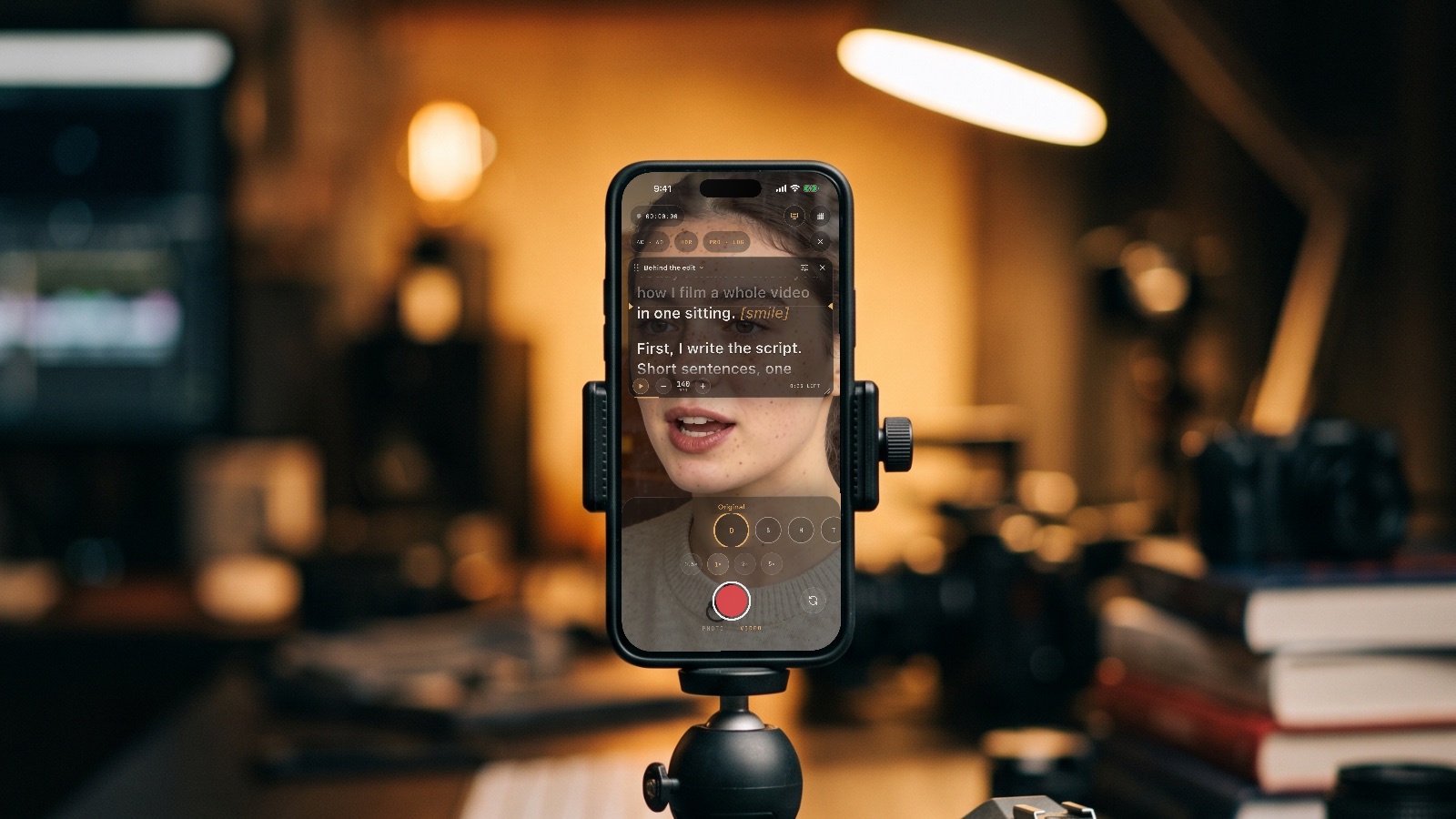
Teleprompter. New in 1.8: your script by the lens, following your voice.
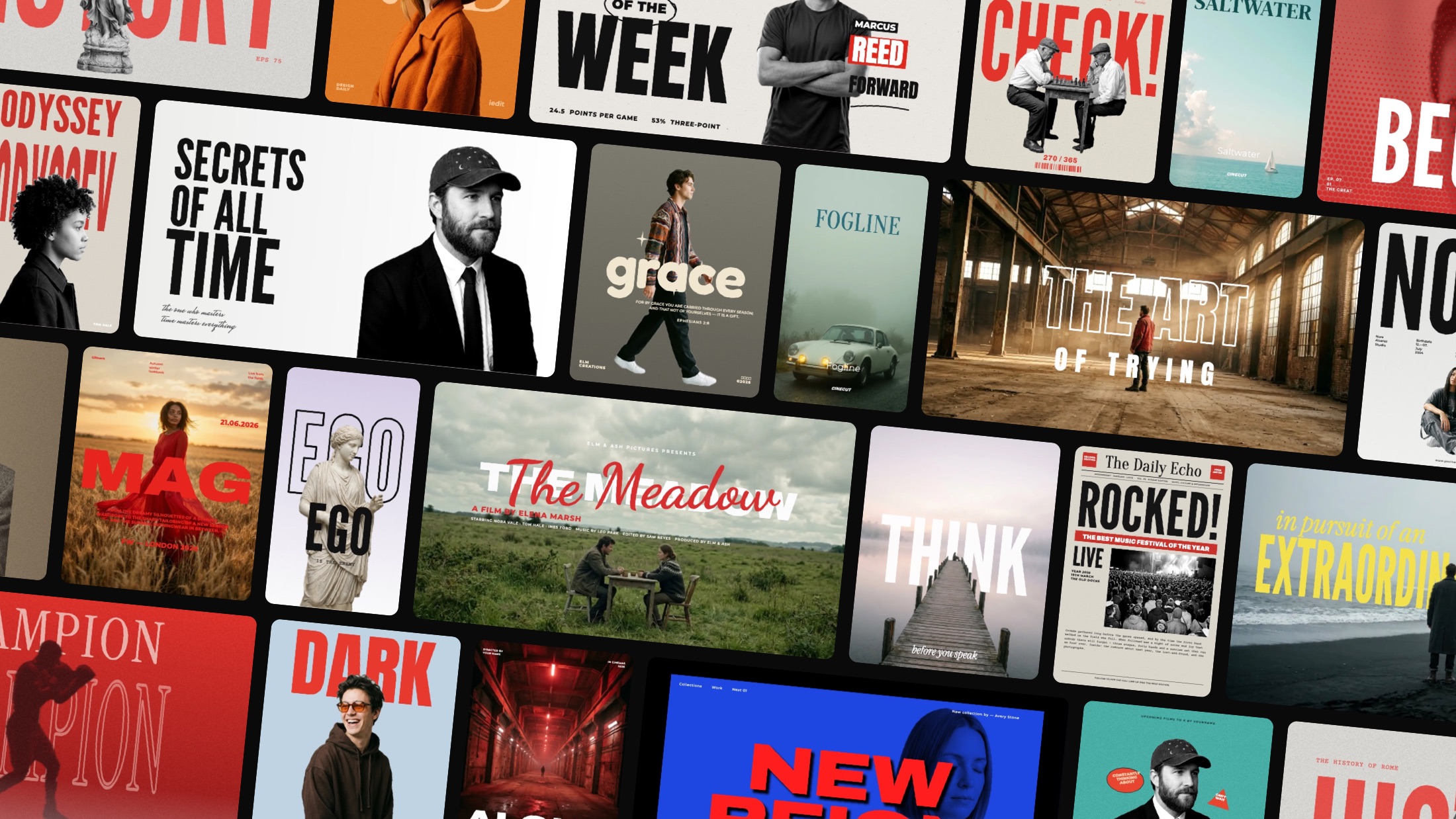
Design. 250 templates for thumbnails, posts, stories and posters. Free, with no watermark.
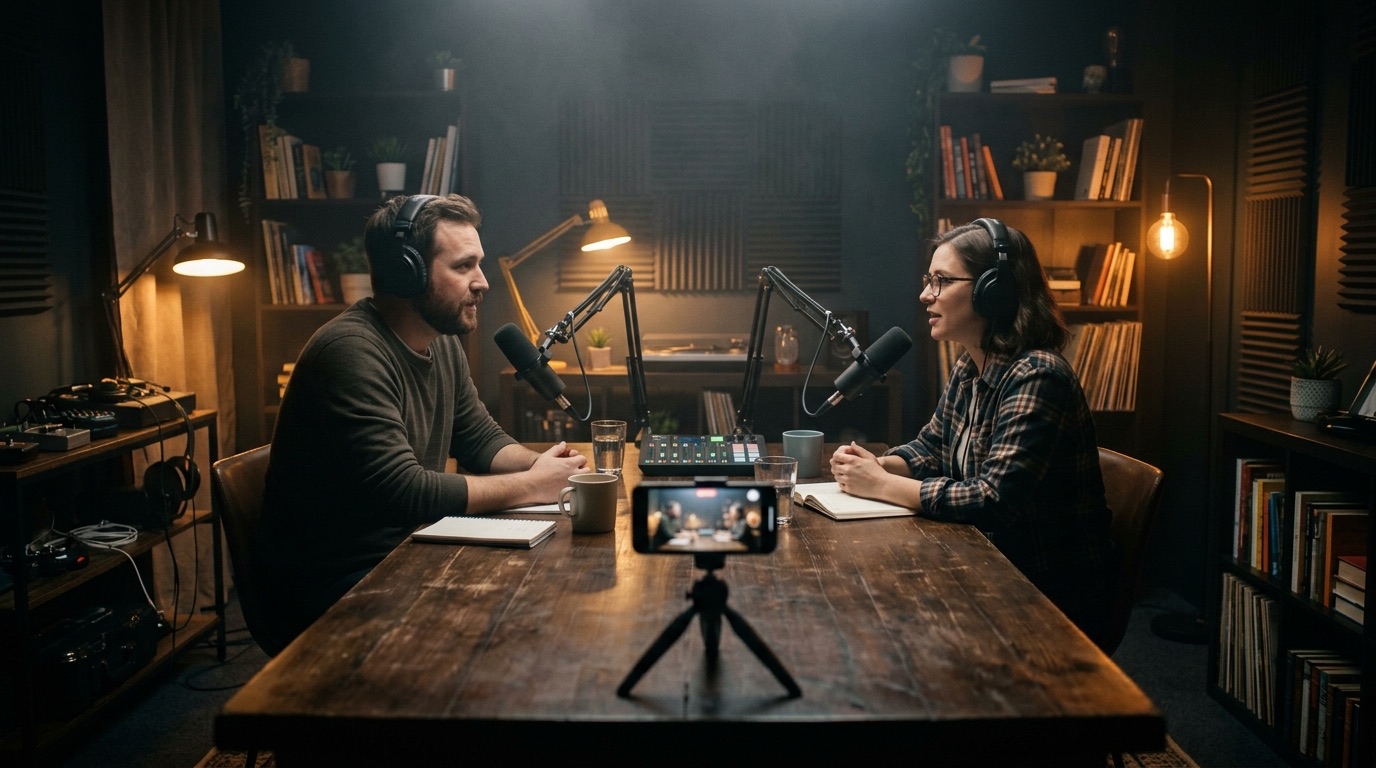
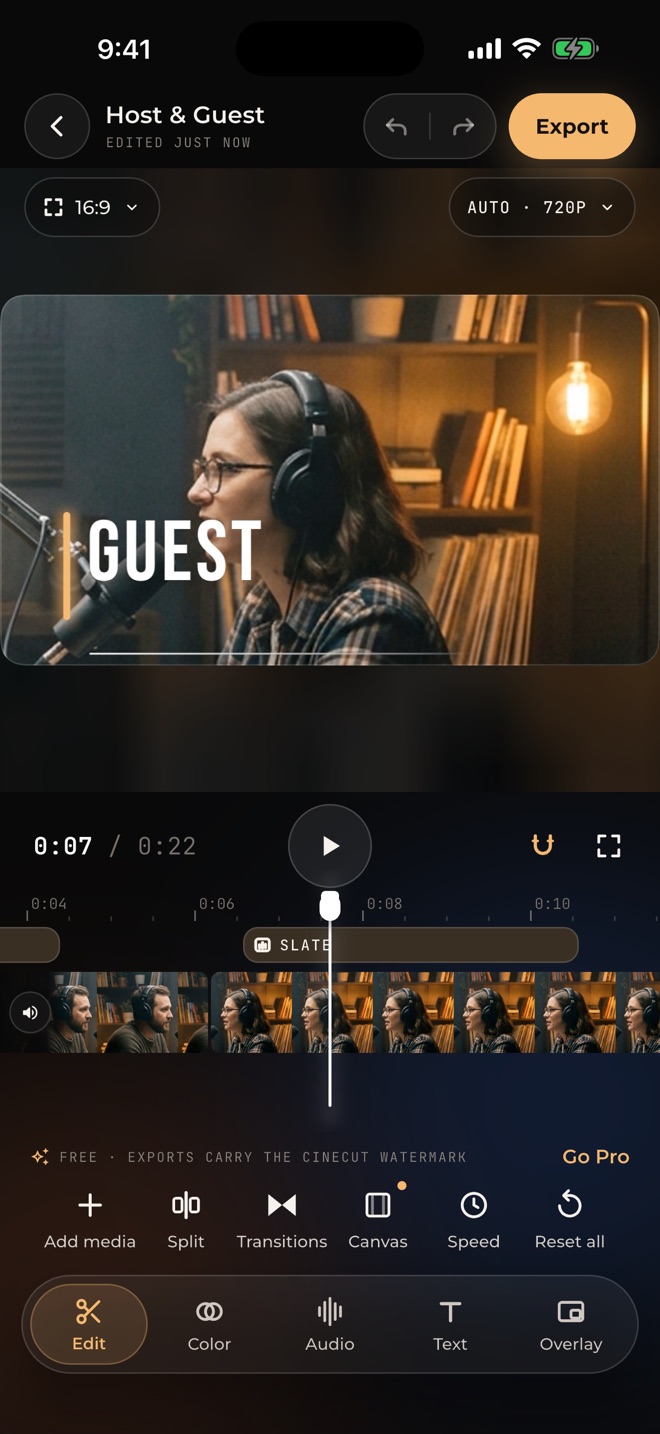
Podcast auto-cut. Add your cameras and mics. CineCut cuts to whoever is talking.
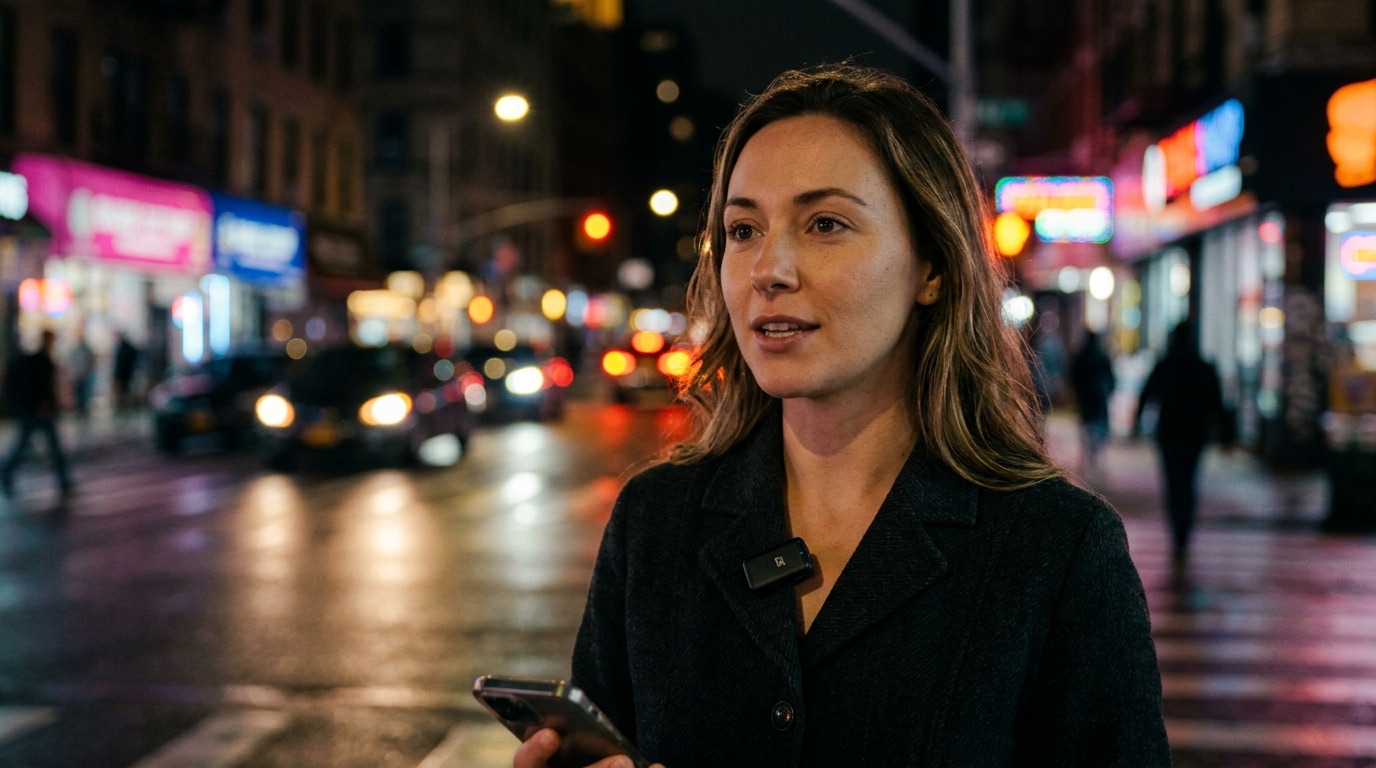
Studio sound. Voice Isolation at full strength, a mixer, EQ and one-tap loudness.
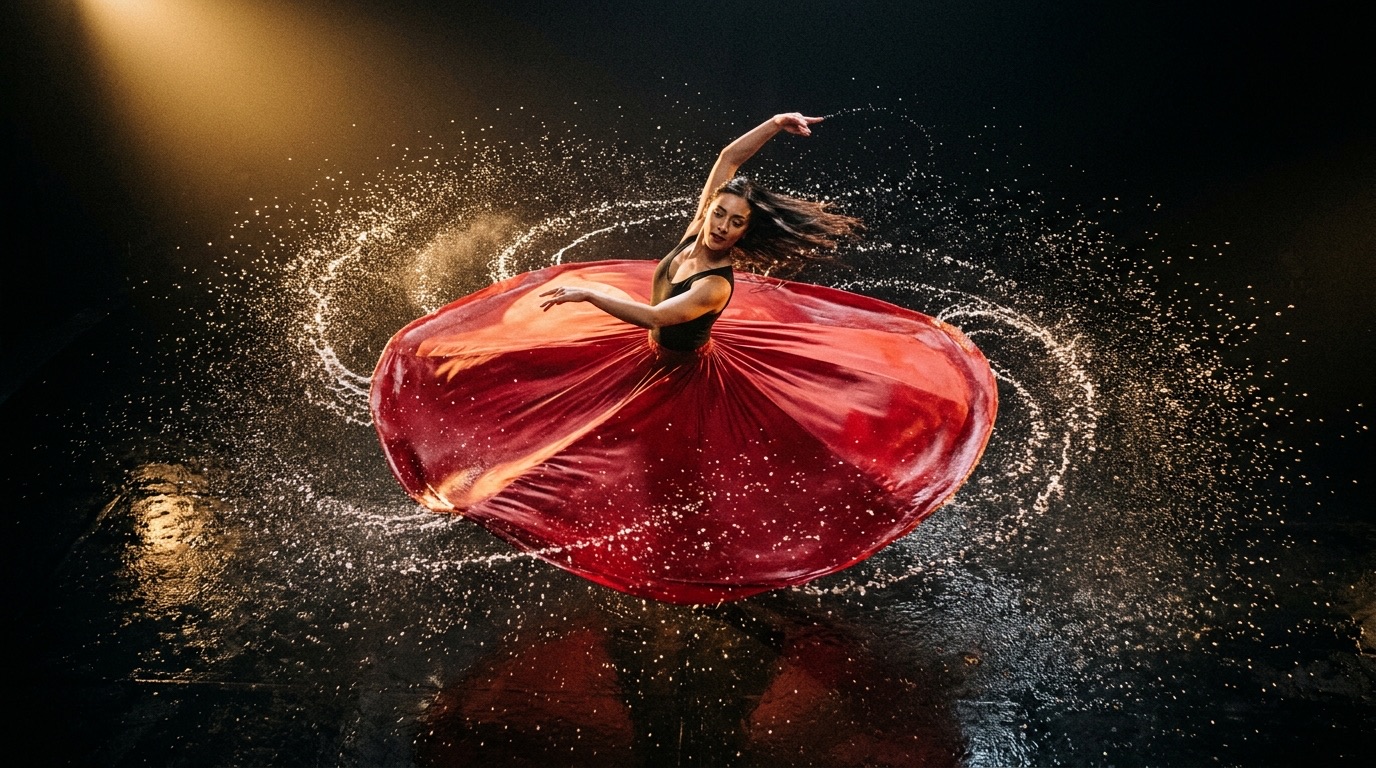
AI slow motion. Below 0.5×, new frames play at a smooth 60 fps.
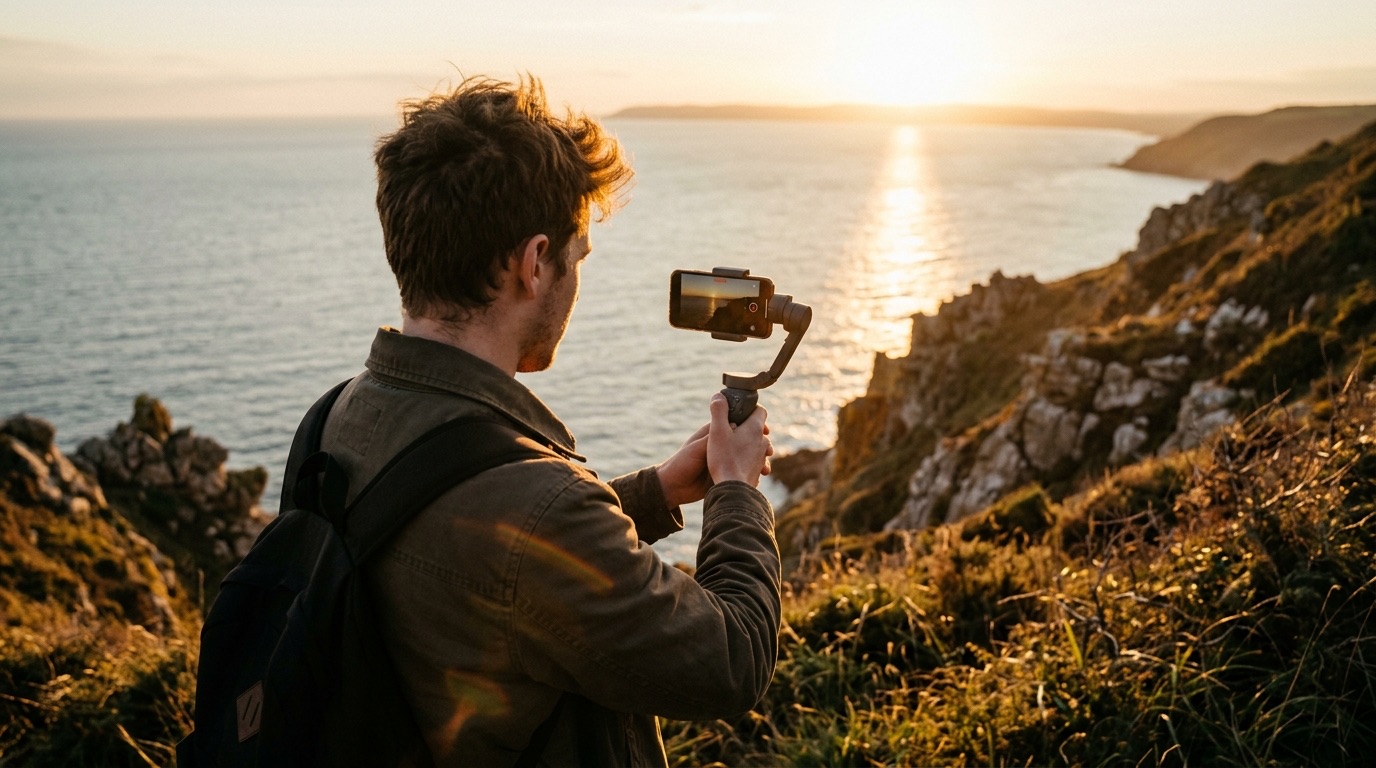
23 looks. Calibrated for iPhone HDR and Log, so what you see is what you export.
Coming soon · CineCut 1.9
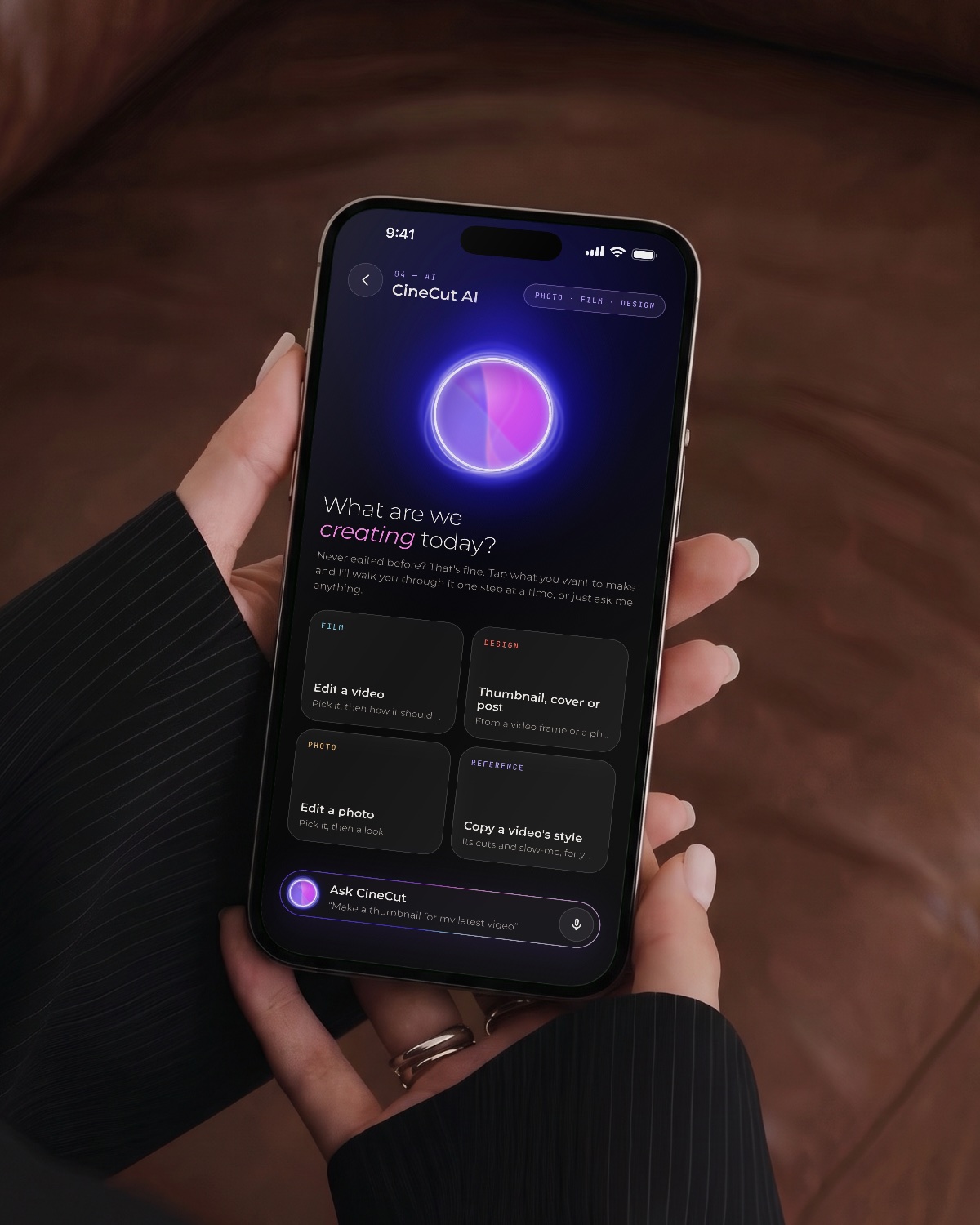
Say what you want in your own words. It makes the edit, tells you what changed, and teaches you as you go, across Filmmaking, Photography and Design. Never edited before? That's the point.
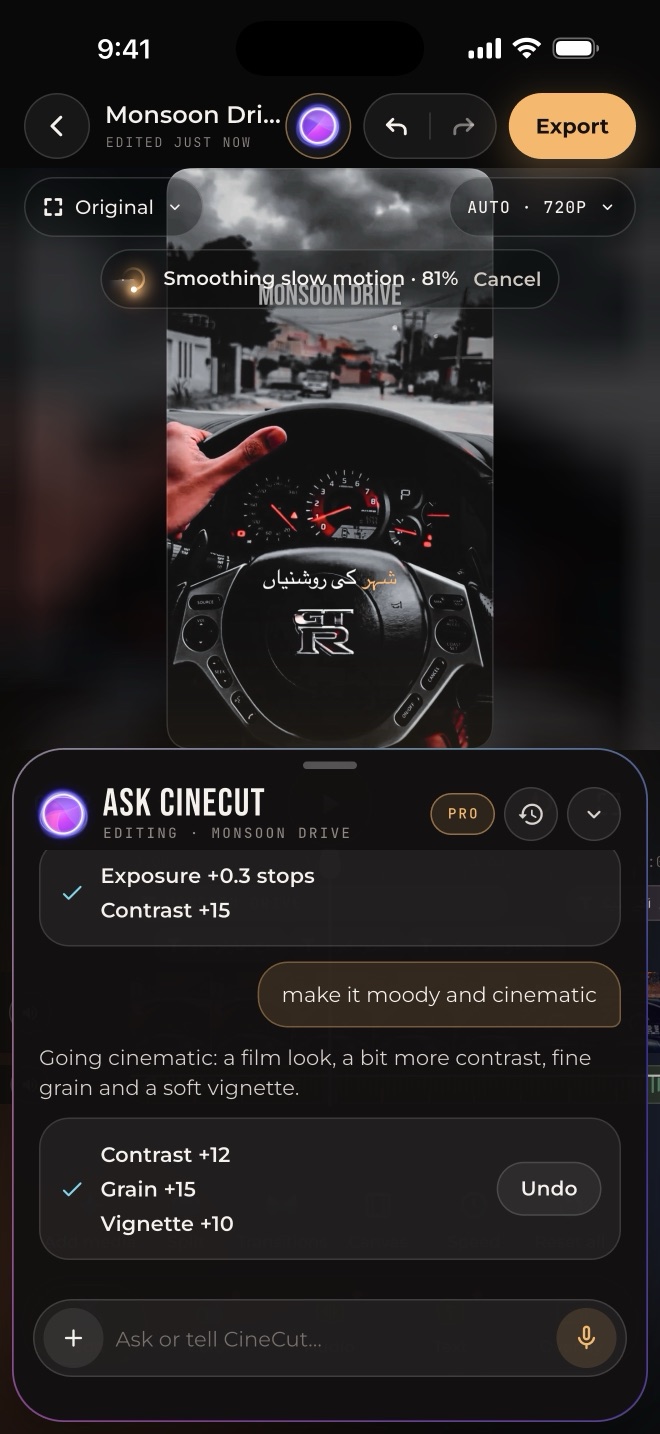
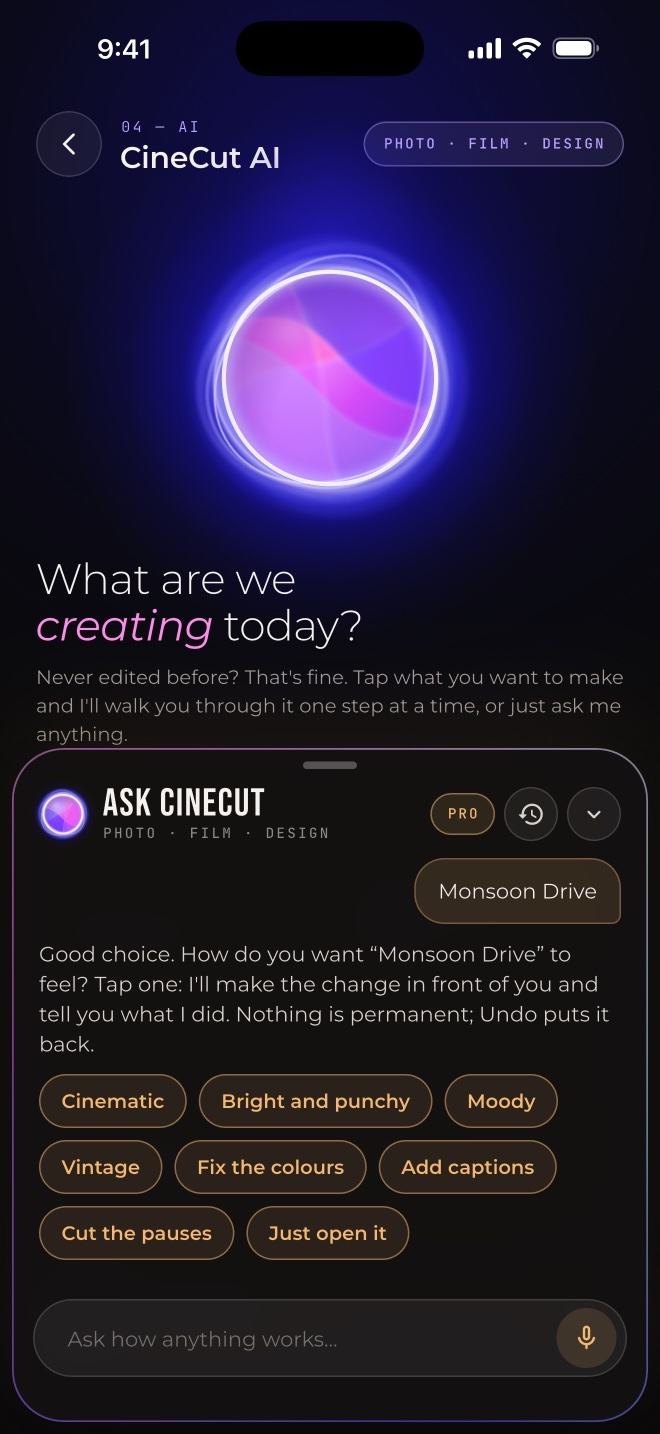
Pick a video, a size and a title. It takes a good frame, already graded, and builds the design.

Type the way you text: kaise, kese or kesy. It understands, and answers back in Roman Urdu.
Blurry after Instagram? Audio out of sync? What's a J-cut? Plain answers, with Show me to the button. Anything else, it looks up.
AI edits and copied edits use a credit. How-to help, Show me and simple commands are always free. Pro is unlimited.
The conversation runs with Apple Intelligence on your iPhone. Your videos and photos are never uploaded.
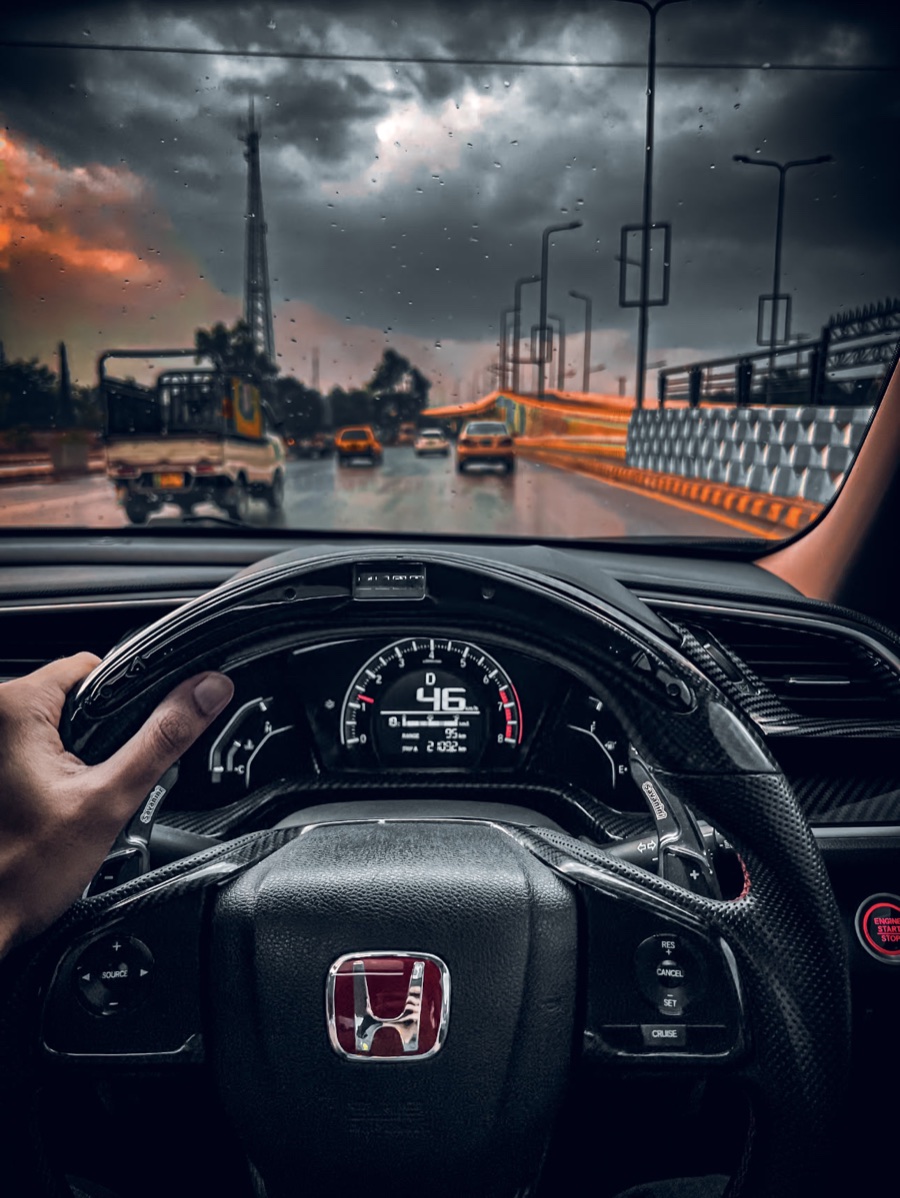
Moody, stormy, golden. Say the feel, and CineCut's looks and grading take you there. These are Umair's own edits: drag across to compare.


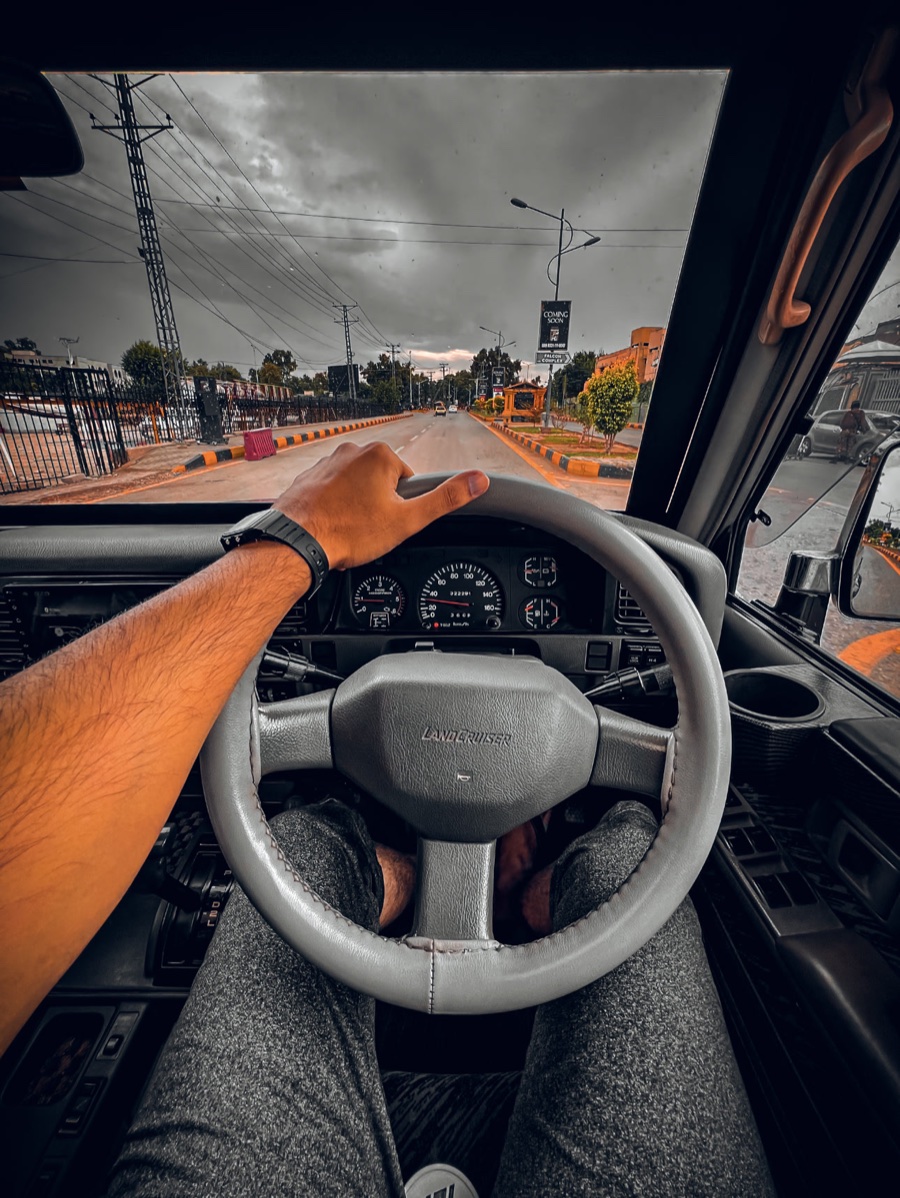

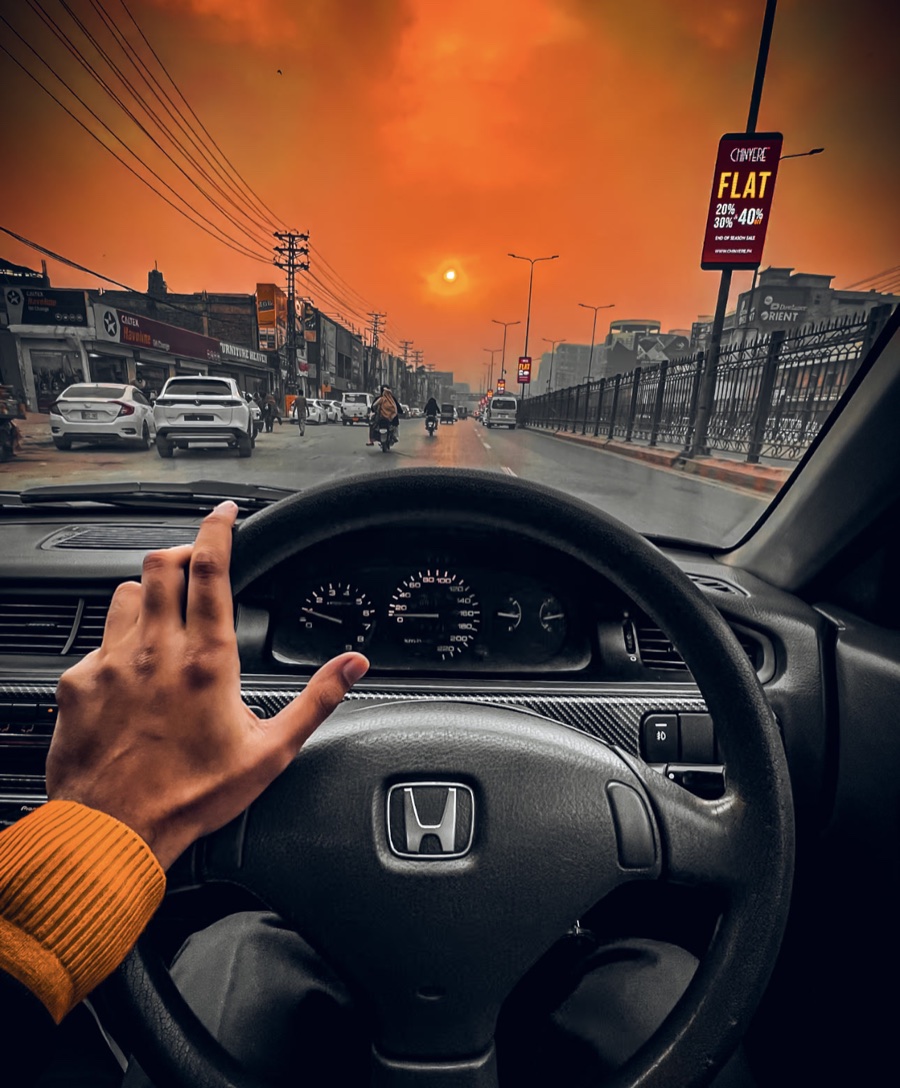
Filmmaking
The same grades behind Umair's Instagram work, calibrated for iPhone HDR, SDR and Apple Log, so the colour you see is the colour you export. Set the strength, apply to one clip or every clip, and save your own as My Looks.
Drag across the frame. One look, straight from the camera roll, with no other edits.


Pro camera and Apple Log
Record Apple Log in ProRes, or HDR on any iPhone, with your look live on the viewfinder.
New in 1.7 · Free
250 templates after the looks the internet clicks on: giant type with you cut out in front of it, editorial posters, minimal one-sheets. Swap the photos and words, and export with no watermark. Free.
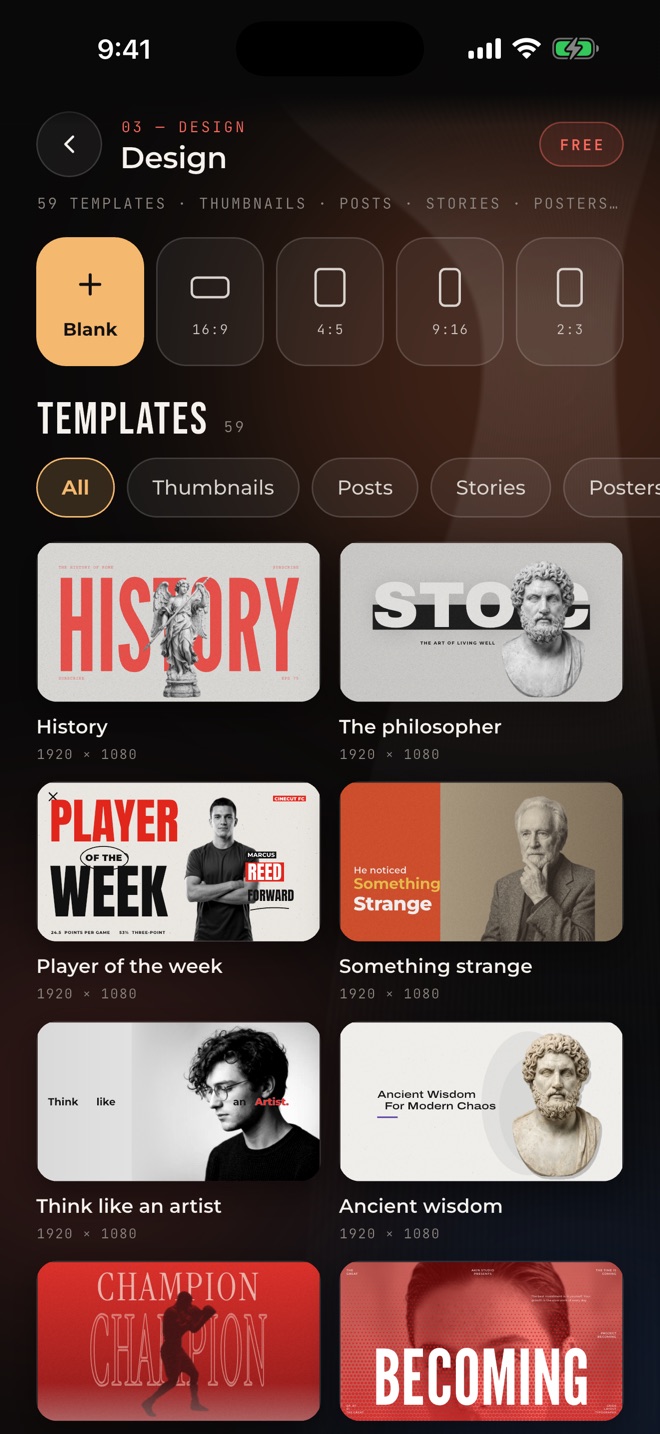
YouTube thumbnails, Instagram posts, stories, posters and ads. Or a blank page in any size.
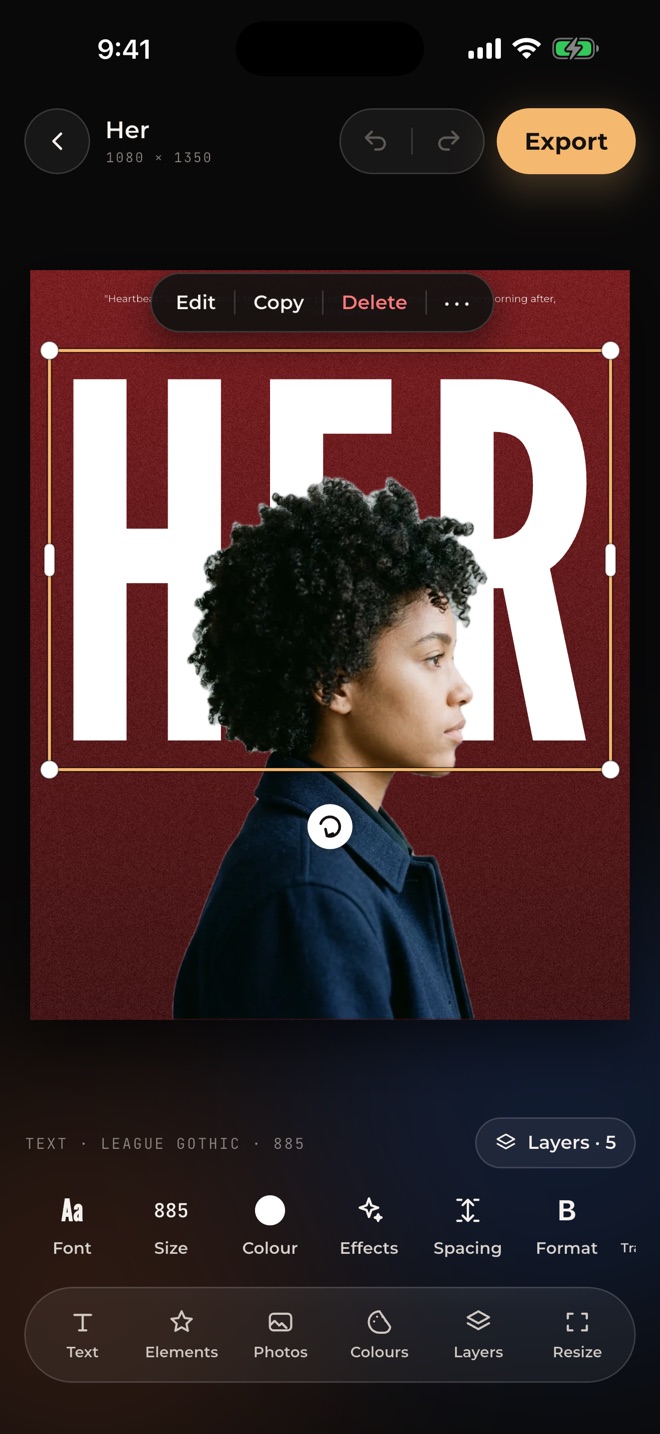
Your subject is cut out on the device and set behind the words, the way the best thumbnails do it.
Shadow, lift, hollow, splice, echo, glitch, neon, background and outline. Curve the words round.
Corner handles, a turning knob and snapping guides. Crop, adjust and grade photos with CineCut looks. Shapes, frames and stickers. Layers you can lock, hide and reorder.
A thumbnail becomes a story or a poster, with everything kept in place.
Podcast auto-cut
Add your cameras and each person's mic, or a two-person wireless kit. CineCut lines everything up by sound, cuts to whoever is talking, can trim long pauses, mixes the voices and adds name tags and your logo. Every cut stays editable.
Two angles, or more, straight from Photos.
Cameras and mics line up on their own.
The shot follows whoever is speaking.
Names, your logo and a clean voice mix.
The edit opens on the timeline with a cut wherever the speaker changes. Choose a cut, tap Camera 1 or Camera 2, done. It all happens on your iPhone.
Pro audio
Voice Isolation now takes city, wind and crowd noise out at full strength. Hiss & hum removes fans, engines and air-con and keeps your music.
Voice Isolation, Hiss & hum and Dialogue Leveler, on the device.
Plus expander, gate, compressor and limiter, with one-tap presets.
Faders, pan, mute, solo and live meters. Music ducks under speech.
YouTube, EBU or ATSC targets, with a true-peak limiter.
Radio, phone, megaphone, robot, deep, helium and cathedral, with pitch, reverb, echo and Auto mix.
AI slow motion
Below 0.5×, AI in-between frames play at 60 fps, with no repeated frames, in the editor and in your export.
Photography · Free
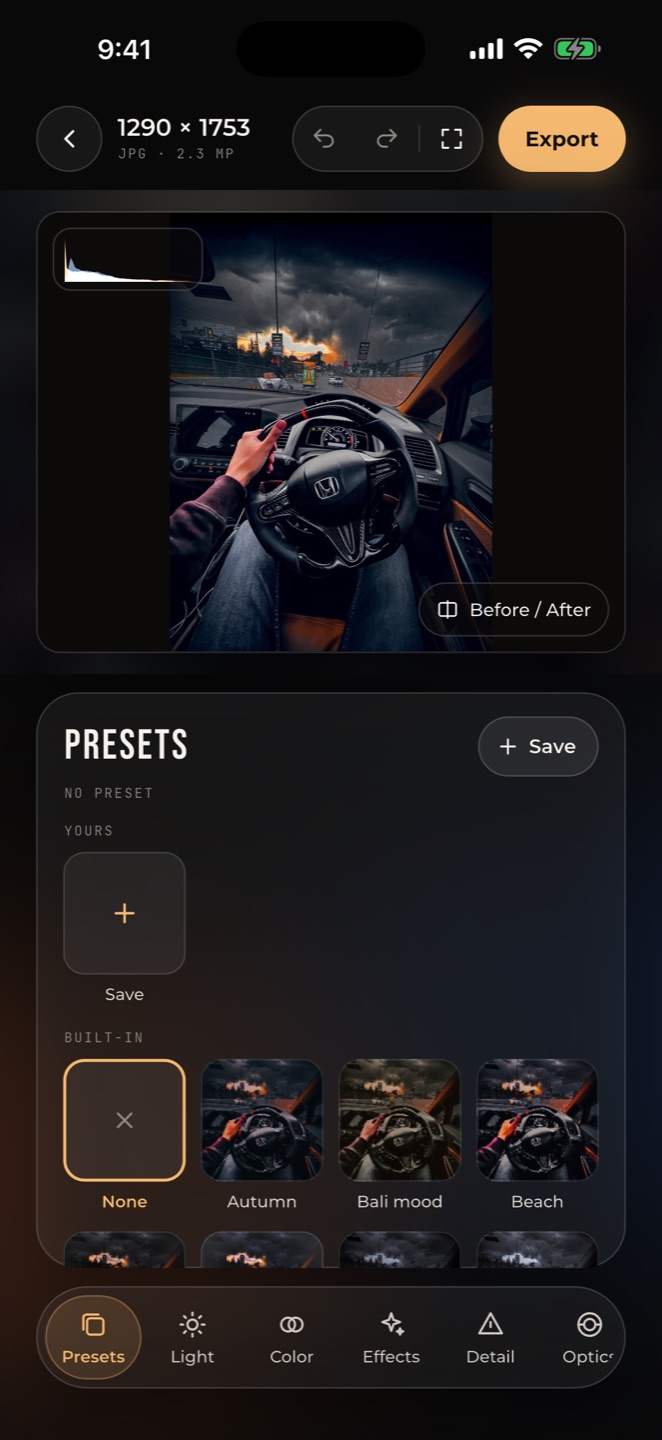
The controls photographers know, and 102 presets made from Umair's own grades. Free, with no watermark.

AI tools
Select the sky in one tap, relight a face after the shot, retouch skin, blur by distance, or remove someone who walked through. Nothing is uploaded.

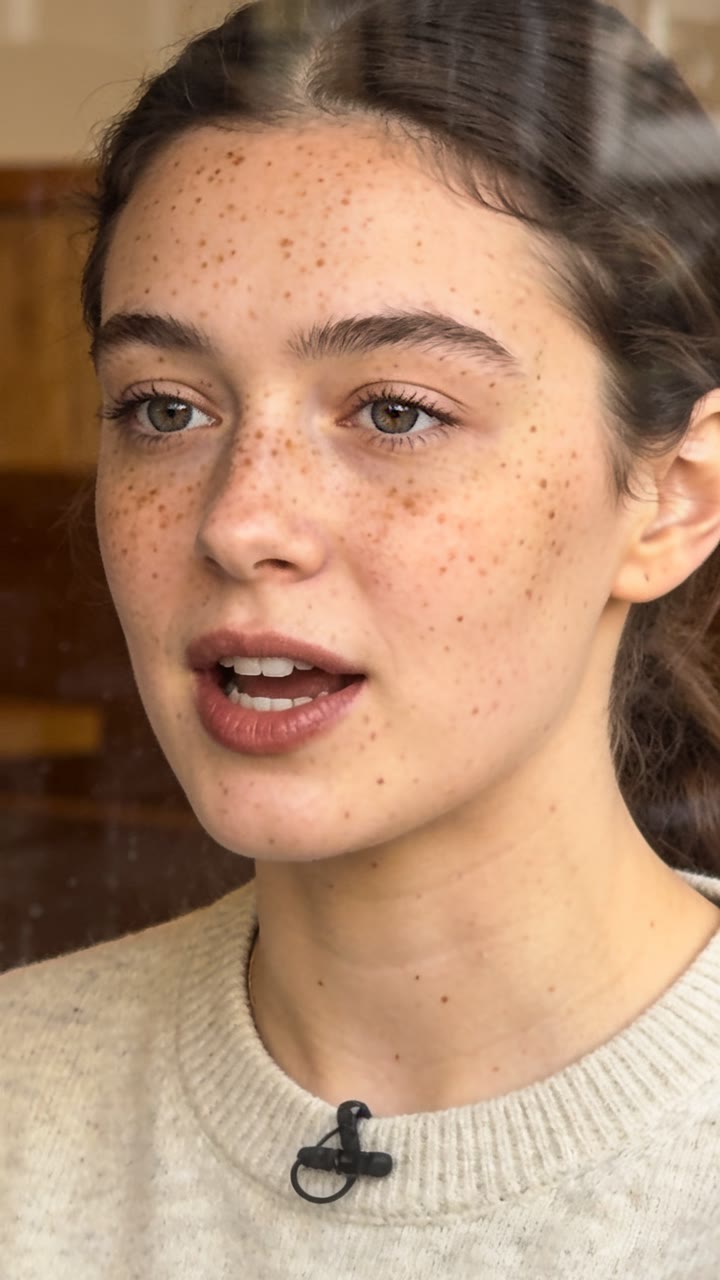
Tap the sky or anything in the frame. CineCut selects it and tracks it through the clip.
Place a light on the viewer; it falls on the scene using its depth.
Select by distance and blur the background with real bokeh.
Tap someone who walked through; the background is filled in from nearby frames.
Pro camera
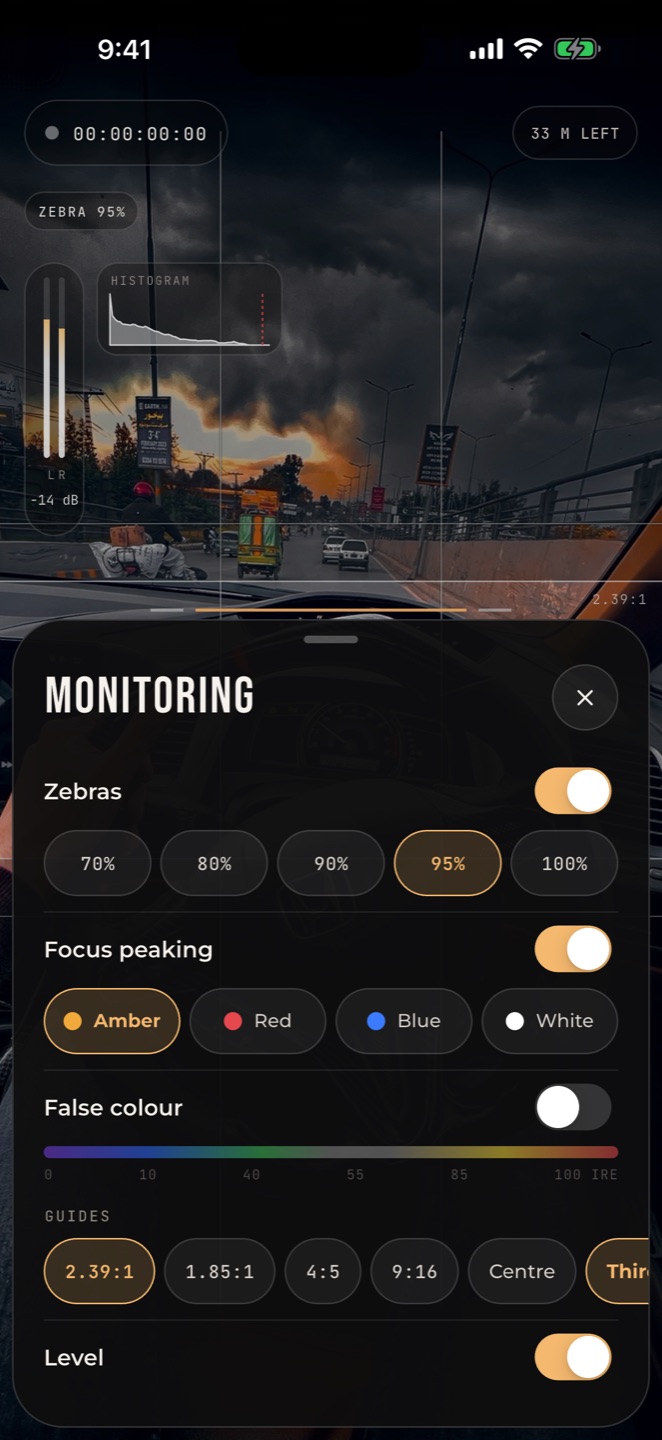
ISO, shutter, white balance and focus on one scrub dial, and your look on the viewfinder while the recording stays clean.
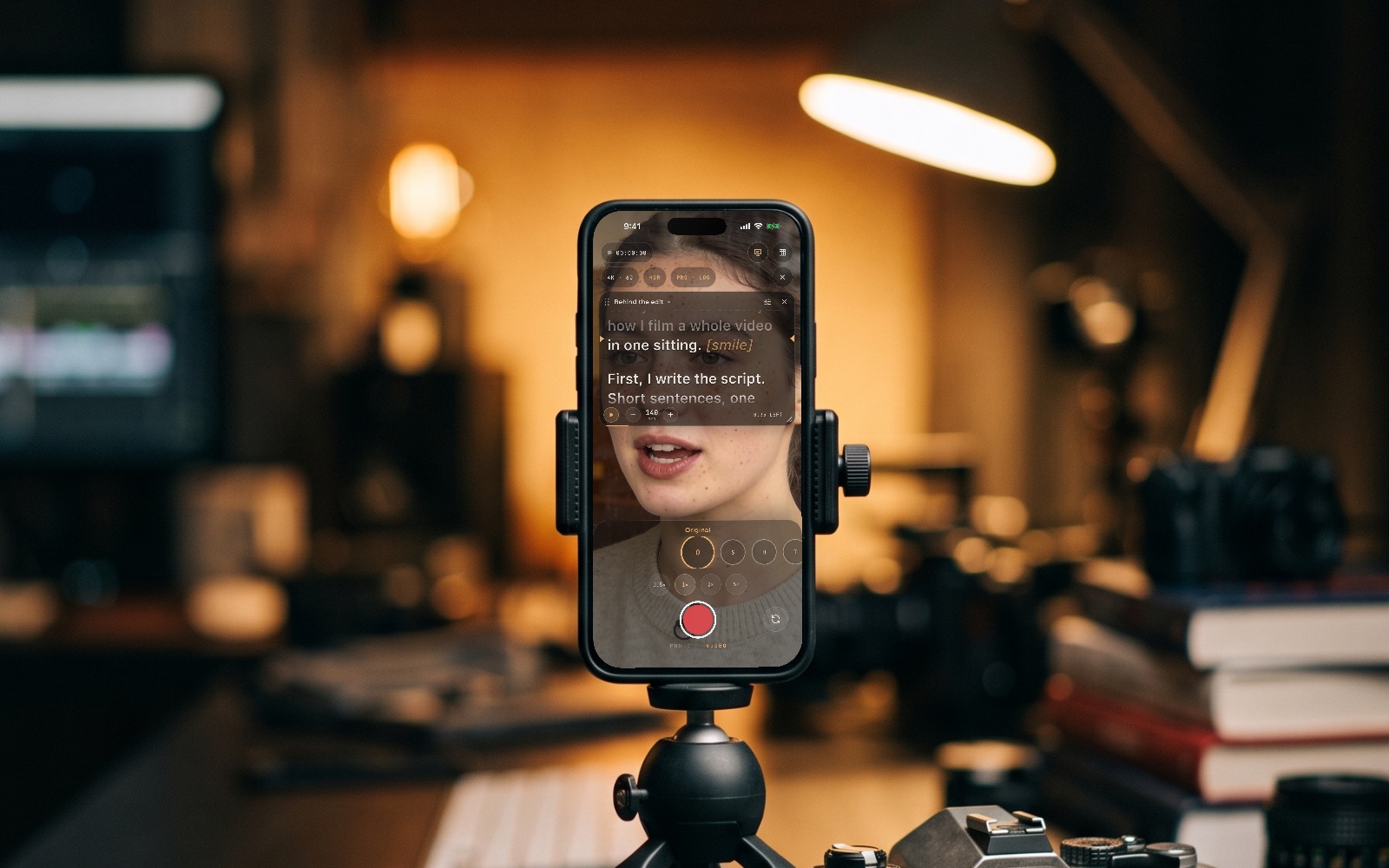
New in 1.8 · Teleprompter
A teleprompter built into the camera. It follows your voice and waits when you go off script.
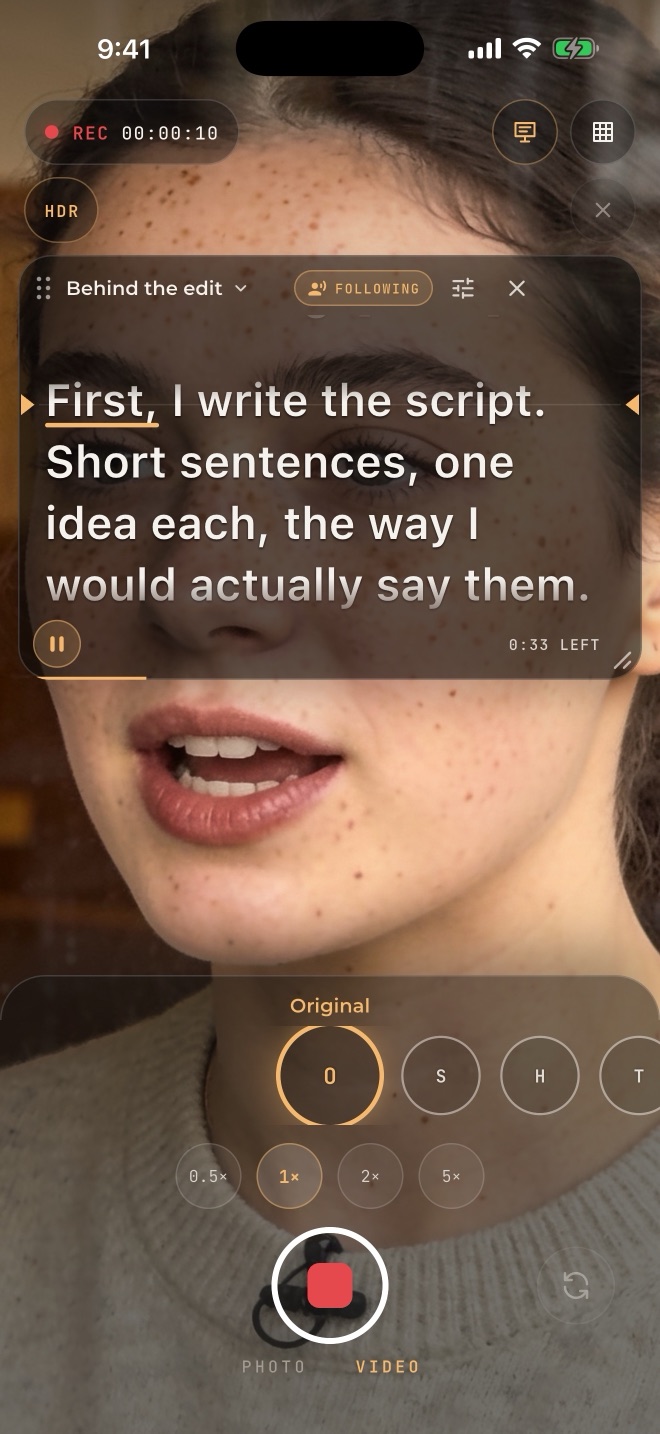
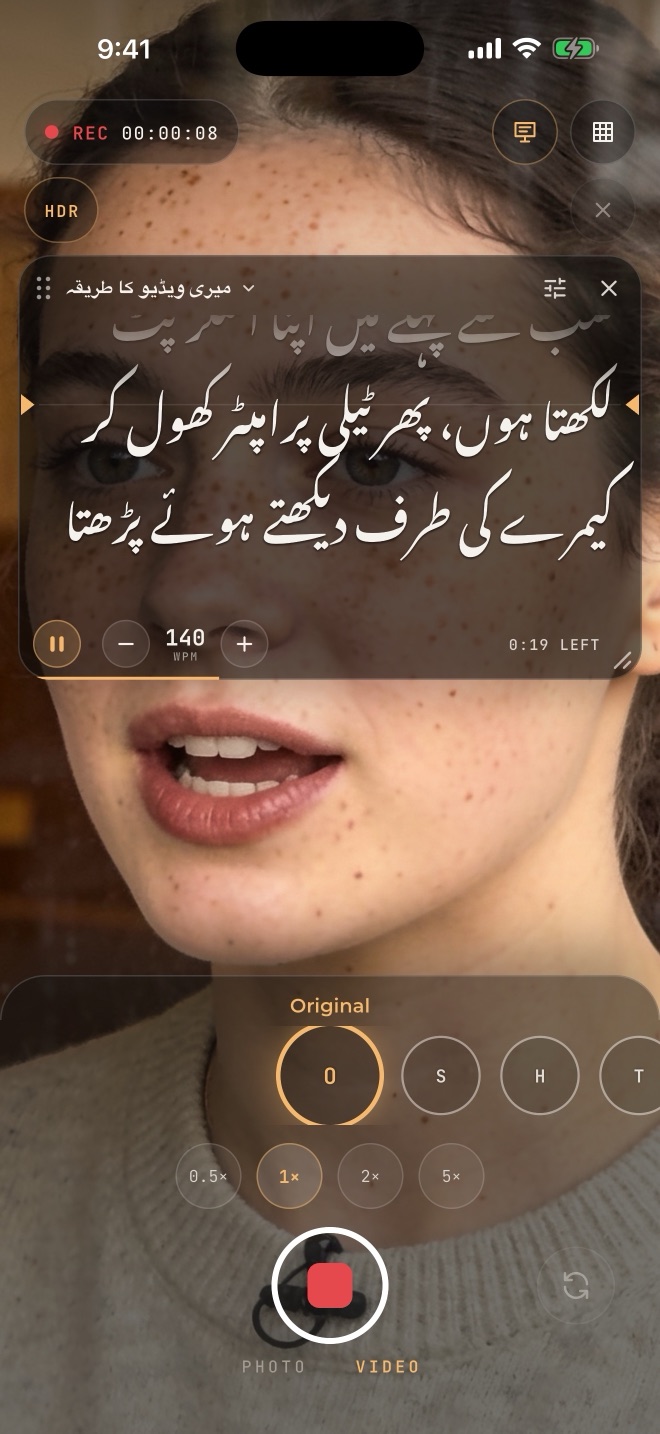
It listens on the device and keeps your place. Go off script and it waits for you.
Set the words a minute, or let it scroll only while you talk. A 3, 5 or 10 second countdown.
Tap any line to start the next take there. Every take is kept as its own clip.
Urdu scripts read in Nastaliq, from right to left, just as you write them.
Mirror for glass rigs. On iPad, keyboard and remote keys: space to pause, R to record.
No dimming mid-take. Leave CineCut while recording and the take is kept.
Editor
Clips, overlays and audio on their own tracks, with blend modes.
Grade, look strength, zoom, text and volume, with easing and speed ramps.
Word-by-word styles. Urdu and Hindi made on the phone with Whisper.
25 animated charts, lower thirds and quotes from your own numbers and words.
See the beats, then cut every clip on them.
Put every setting of a project back in one tap, with a confirm first.
Now on the Mac App Store
Everything you know from the iPhone app, on the big screen and built for the keyboard: the editing shortcuts pros already know, every grading tool, and AI that runs on your Mac.
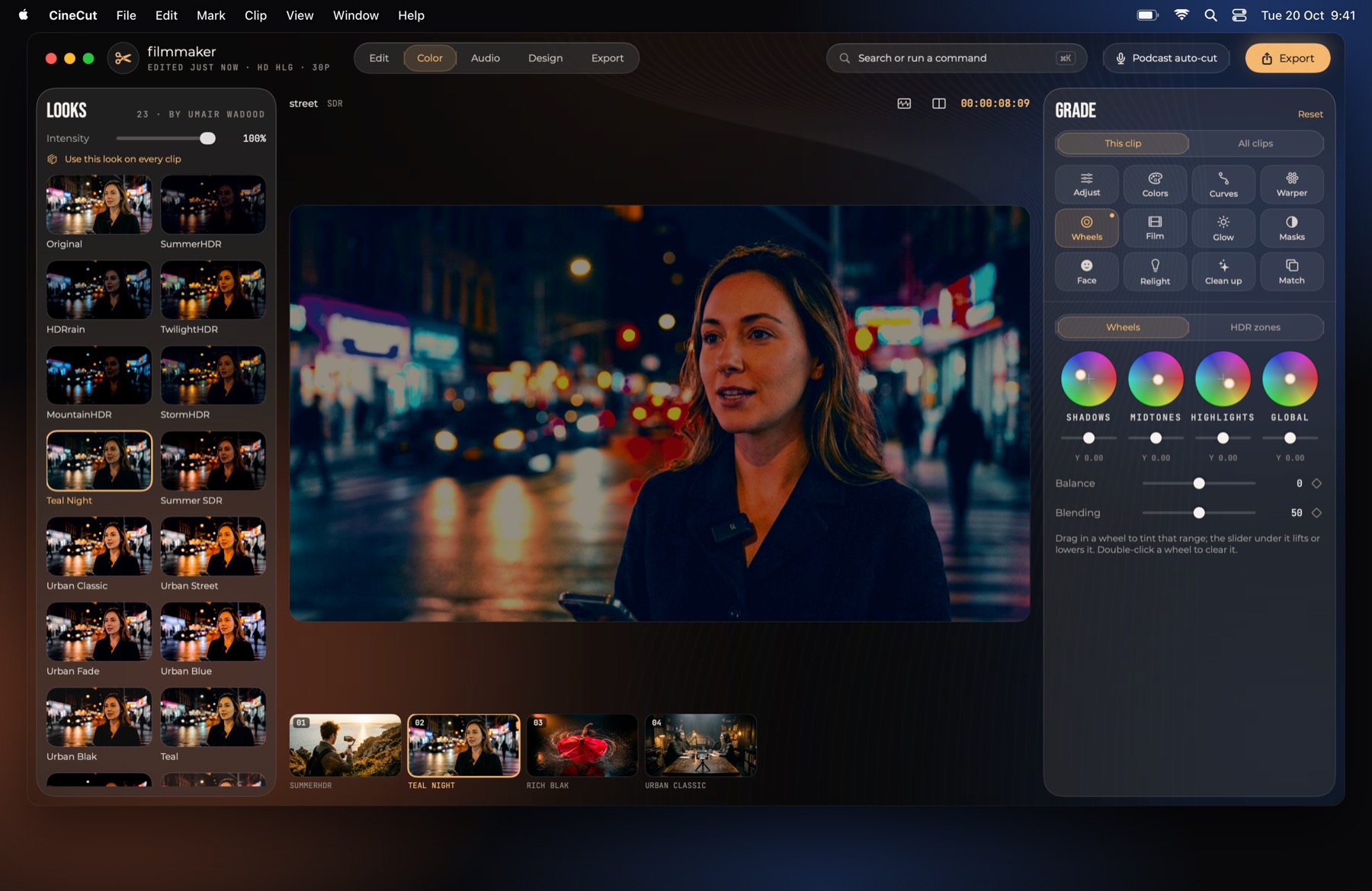
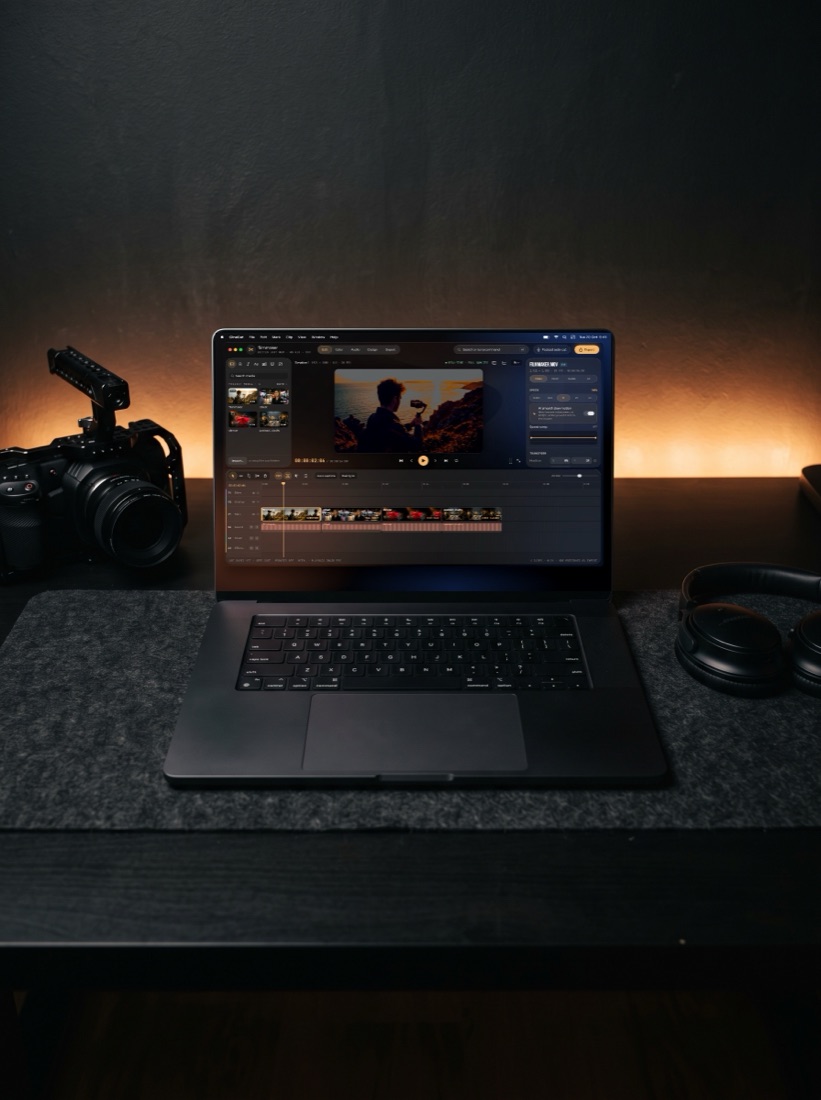
A magnetic timeline with J K L, blade, ripple and markers. Drag across empty space to select several clips at once.
The 23 looks, wheels, curves, HDR zones, Color Warper, film stocks and scopes. Live, with no rendering.
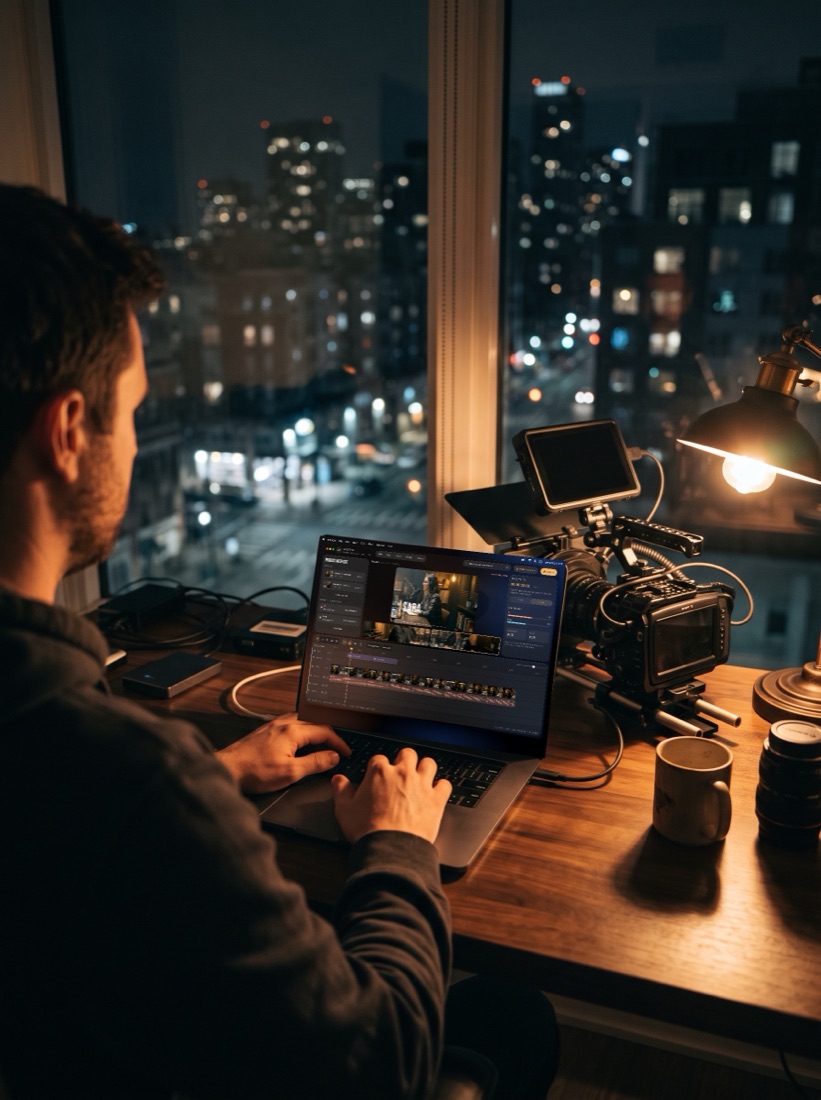
Drop in your cameras and mics. It cuts to whoever is talking.
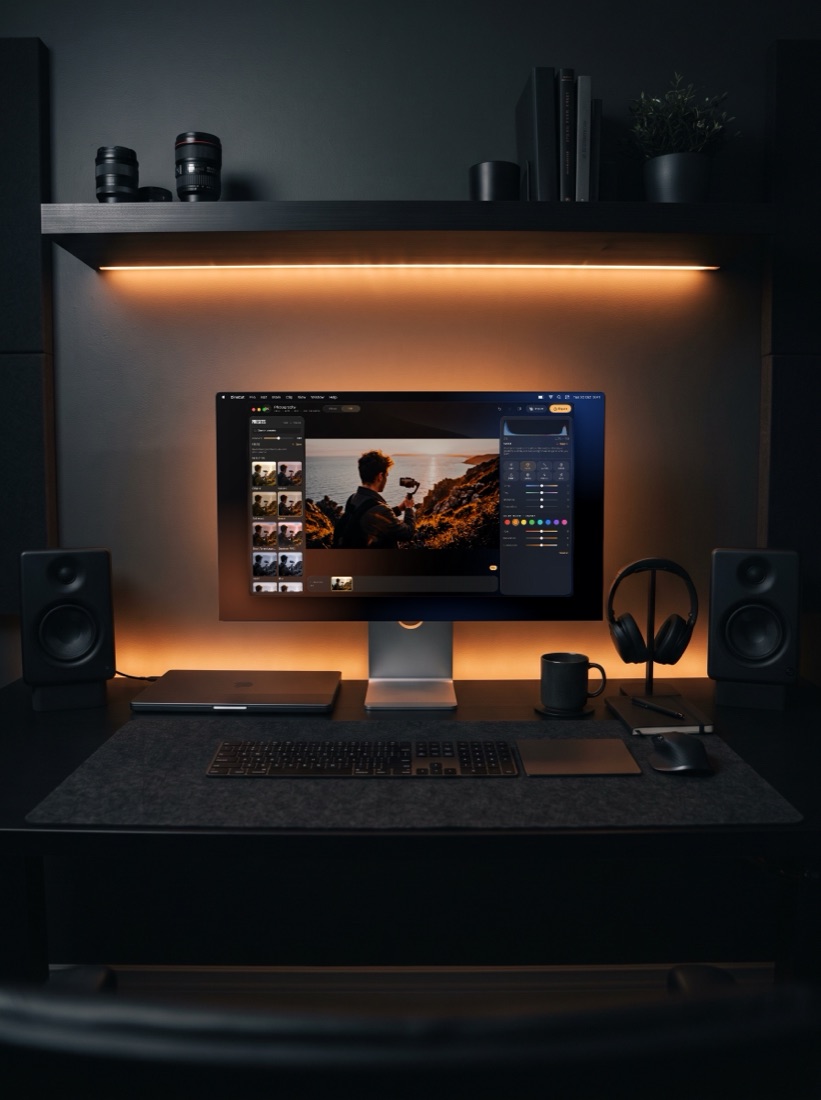
102 photo presets with RAW, and 150 thumbnail, Reels cover and post templates.
Subject and sky masks, Relight, Face and Voice Isolation, all made on the Mac. Nothing is uploaded.
One CineCut Pro subscription covers iPhone, iPad and Mac. Your looks, presets and designs come with you.
Pricing
Free
Monthly or yearly · free trial on yearly
Prices are shown in the App Store in your local currency. Payment is charged to your Apple Account. Subscriptions renew automatically unless cancelled at least 24 hours before the end of the period.
Yes. Downloading CineCut and every editing tool is free, and Photography and Design are free with no watermark. Free video exports carry a small CineCut watermark and a short ending until you subscribe to CineCut Pro.
New in 1.7: a third mode next to Photography and Filmmaking, with 250 templates for YouTube thumbnails, Instagram posts, stories, posters and ads. Swap the photos and words, style and arrange everything, and export a JPEG or PNG with no watermark.
Add your cameras and each person's mic. CineCut lines them up by sound, cuts to whoever is talking, can trim long pauses, mixes the voices and adds name tags and your logo. Every cut stays editable.
iPhone and iPad with iOS or iPadOS 16 or later, and Mac with macOS 15 or later. Apple Log recording needs iPhone 15 Pro or later; other iPhones record in HDR.
Yes. CineCut for Mac is on the Mac App Store. It has the Edit, Color, Audio, Design, Photography and Podcast auto-cut workspaces, with the keyboard shortcuts editors already know. One CineCut Pro subscription covers iPhone, iPad and Mac.
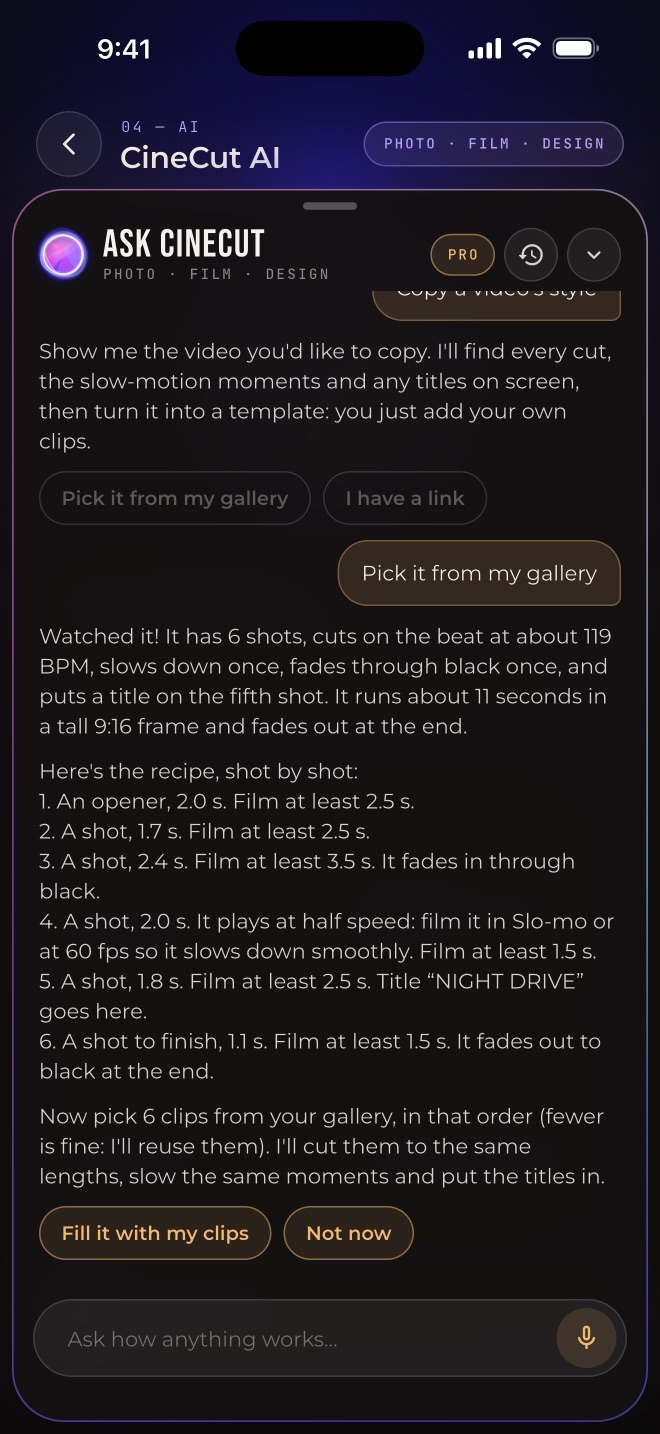
Coming in 1.9: an assistant inside CineCut. Ask in your own words and it makes the edit, walks beginners through step by step, copies a video's edit (its cuts, slow motion and titles) as a template for your clips, makes thumbnails from your videos, answers editing questions with Show me, and understands Roman Urdu. It runs on your iPhone with Apple Intelligence (iPhone 15 Pro or later, iOS 26); its guides and simple commands work on every iPhone. Free users get 5 AI credits a day, and Pro is unlimited. For general questions it can look things up on Wikipedia or DuckDuckGo, sending only the question.
Yes, since 1.8. Your script sits by the lens, follows your voice and waits when you go off script. Set the speed or let it pause on silence, tap any line to retake from there, and every take is kept. Urdu scripts read right to left in Nastaliq.
No. Grading, editing, design, audio and every AI tool run on your device. CineCut has no account, no ads and no analytics.
Photographer Dr. Umair Wadood. Each look is his own colour grade, fitted to iPhone HDR, SDR and Apple Log footage.
Yes. Choose Urdu / Hindi (Roman), Urdu (اردو) or Hindi. Captions are made on your iPhone with OpenAI's Whisper model, a one-time download of about 650 MB; after that they work offline and no audio leaves your phone.
The Help page has a short, step-by-step guide for every tool.
Open Settings on your iPhone, tap your name, then Subscriptions, and choose CineCut. You keep Pro until the end of the period you paid for.