LUTs on iPhone HDR video.
You bought a LUT pack, put it on your iPhone footage, and it looks nothing like the preview. The LUT is not broken; it was made for a different kind of video.
Why it happens
A LUT is a fixed table that maps input colours to output colours. Almost every LUT sold online assumes its input is ordinary SDR video (Rec.709). iPhone video is recorded in HDR (HLG, BT.2020), where the same brightness is stored as a different number and colours sit in a wider gamut. Feed HDR numbers into an SDR LUT and it pushes contrast and saturation in the wrong places: highlights clip, skies turn cyan, skin goes orange.
Three ways to fix it
- Shoot SDR for that project. In the iPhone's Camera settings, turn off HDR Video. Your SDR LUTs then behave as designed, at the cost of highlight detail.
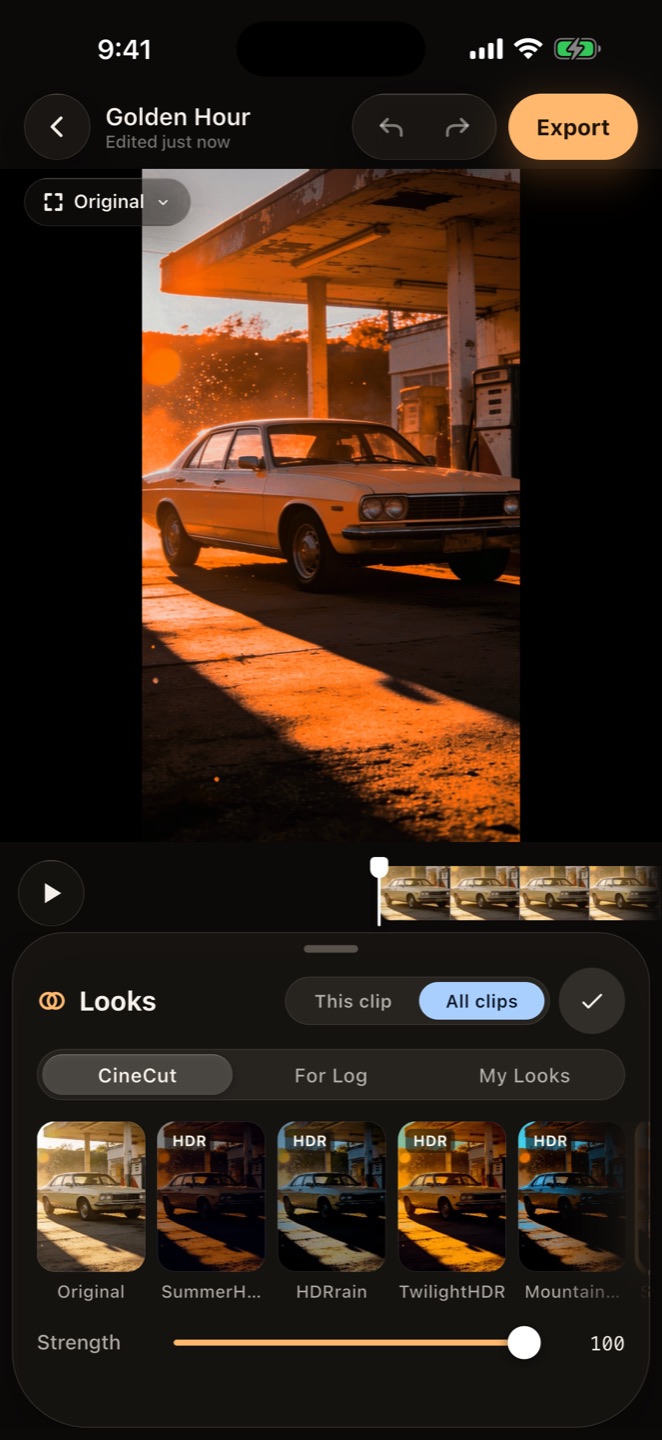
- Use looks made for HDR. CineCut's looks are calibrated on real iPhone HDR footage, each with an SDR twin, so a look gives the same result on HDR and SDR clips.
- Import the LUT where it can be handled. CineCut runs an imported LUT in Rec.709 for SDR clips; for HDR clips it uses the HLG signal, which is close to Rec.709 below diffuse white and keeps the highlights the LUT would otherwise clip.
Import a LUT in CineCut
- Open your project in CineCut and tap Color › Looks.
- Open My Looks and tap Import LUT, then pick a .cube file (3D LUTs up to 65 points) from Files.
- The LUT becomes one of your looks. Apply it to one clip or all clips and set its Strength.
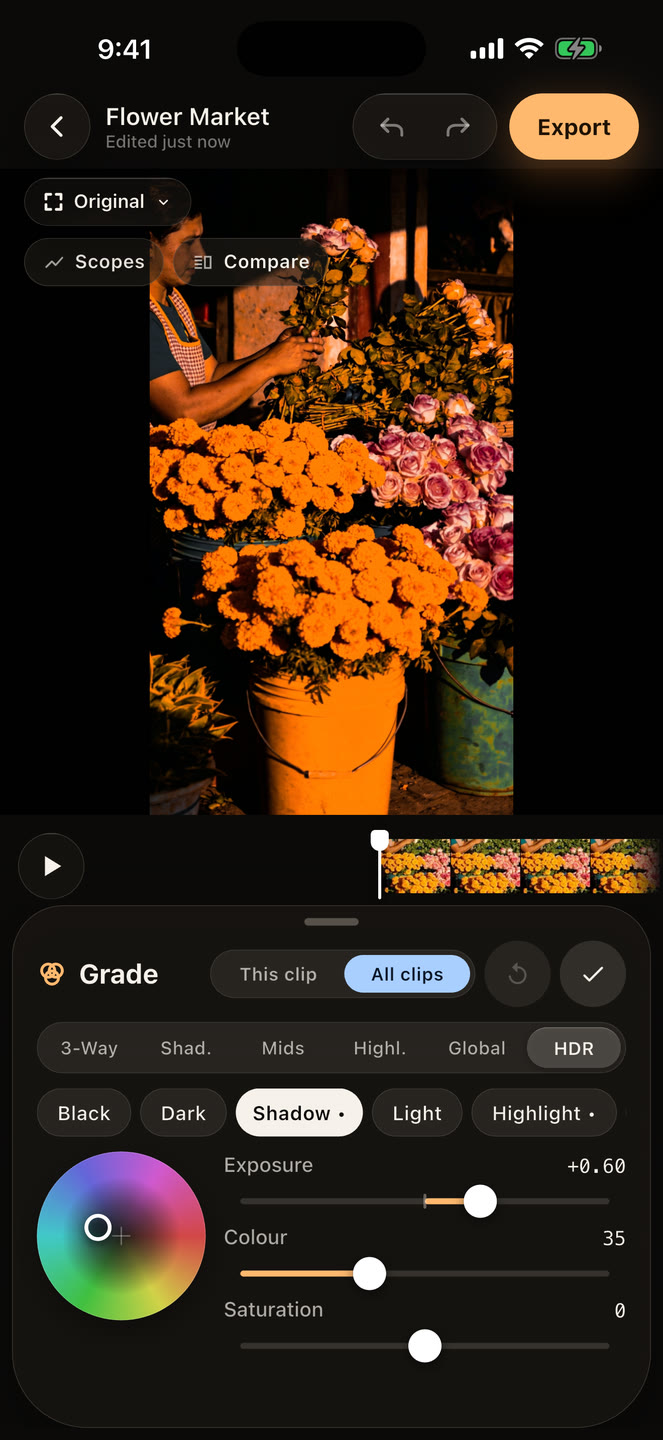
- For HDR clips, compare with a built-in HDR look; if the LUT still clips highlights, lower Strength or bring down Highlights in Adjust.
Log LUTs
LUTs made for Apple Log expect the flat Log picture as input. CineCut applies them to the Log values directly, and you can preview them live on the pro camera's viewfinder while recording.
CineCut is free on the App Store for iPhone and iPad. Every editing tool is free; Pro removes the watermark and unlocks the AI tools.
Download CineCut